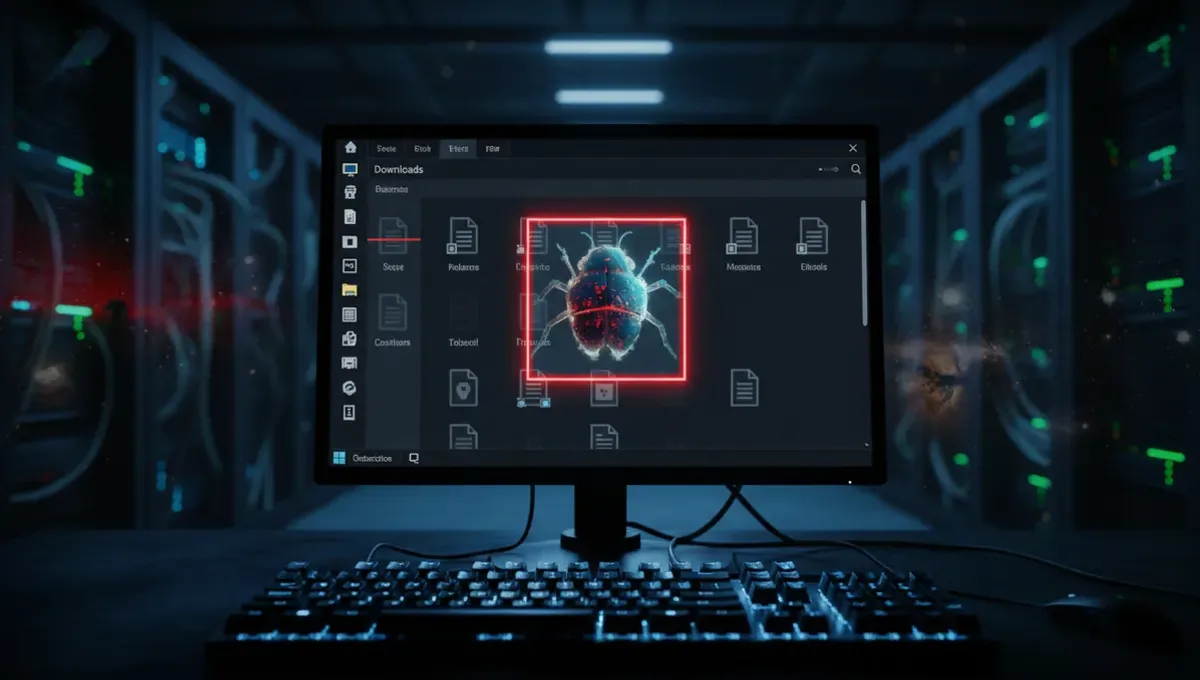
The Attack: How a File Nearly Compromised a Developer's Machine
A developer's Downloads folder contained a single crafted instruction file. When their AI coding agent accessed or processed that folder, the file instructed the agent to install a known-malicious npm package. Security researchers at Forever Security detected the attempt mid-execution and halted the agent before any package installation occurred. The critical detail: nobody knows how the file arrived in that Downloads folder in the first place. It was not part of a software installation, not delivered by email, and the developer had no recollection of creating it.
This scenario exposes a fundamental assumption in modern development workflows: developers assume their own machines are trustworthy, and their tools respect filesystem boundaries. AI coding agents, by design, operate with broad file-system permissions to read code, check dependencies, and manage projects. That flexibility becomes a liability when a malicious actor can plant a single instruction file in a location the agent regularly scans.
Why This Attack Works Against AI Agents
AI coding agents differ from traditional static tools in one key way: they act on natural-language-like instructions embedded in files and environment variables. A prompt injection attack—where malicious text is hidden inside a file that the agent later reads—can override the agent's original task. Instead of helping a developer write a function, the agent suddenly becomes an executor of arbitrary commands.
Unlike a human developer who would recognize a suspicious instruction in plain text, an AI agent trained to follow embedded directives may process the instruction without the same contextual skepticism. The npm package that was targeted is already known to be malicious, which means the instruction file was not just asking the agent to run any code—it was pointing the agent toward a specific, catalogued threat.
This is supply-chain compromise by proxy. The attacker does not break into the package registry or the developer's account. Instead, the attacker exploits the agent's willingness to trust local file-system content.
The Uncertainty: How Did It Get There
Forever Security could not determine the infection vector. That ambiguity is itself revealing. The file could have arrived through several routes: a compromised download, a malicious archive that unpacks silently, a shared Drive sync that included a trojan, or even a public repository cloned to the machine that included the instruction file hidden in dot-directories or uncommitted folders.
The fact that the attack was caught before it ran means the agent executed some form of safety check or the researchers had monitoring in place. But the real message is simpler: a single file on a developer's machine, in a folder as mundane as Downloads, was enough to nearly trigger a supply-chain incident. No credential theft, no social engineering, no zero-day required.
Why Developers Matter to the Broader Ecosystem
Developers are high-value targets precisely because they control build pipelines, have legitimate access to package repositories, and their machines already have the trust relationships needed to pull code from registries. Compromising a developer's machine, especially one using AI agents to automate builds and deployments, could give an attacker a foothold into dozens of projects and organizations downstream.
The npm package ecosystem, in particular, relies on the assumption that publishing developers are not compromised. If an attacker can trick an AI agent on a trusted developer's machine into publishing a malicious update to a widely-used package, thousands of installations could pull the compromised code within hours. This is not hypothetical: the npm ecosystem has seen multiple typosquatting and namespace-hijack attacks; this incident shows that the risk now extends to autonomous agents that operate with minimal human oversight.
What This Means for Your Security Posture
If you run AI coding agents or use AI-assisted development tools, three layers of defense matter:
- Isolation: Run agents in containerized or virtual environments separate from your main development machine. Many developer-focused tools now offer sandbox modes or remote execution. Use them.
- File-system hygiene: Do not give AI agents write access to directories outside your project folder. Downloads, Desktop, and Documents are common vectors; restrict agent permissions to the code repository only.
- Monitoring and approval gates: Require human review before the agent executes commands that touch dependencies, publish code, or modify system configuration. Autonomous execution is convenient, but convenience trades against visibility.
For security teams and managers, this incident underscores why AI automation in development requires different governance than traditional CI/CD pipelines. Agents that can act on file-system instructions need explicit policies about what files they can read and what actions they can take.
What Has Changed and What Remains Uncertain
Security vendors and the Tor Project (in its broader context of privacy-focused research) have long warned that code-execution risks grow with automation. This incident confirms that risk is now concrete. AI agents are not inherently more vulnerable than humans, but they scale the consequences of a single mistake across entire projects and supply chains.
The open question remains: how the file arrived in the first place. Until developers and security teams understand the infection vector, similar traps will be set elsewhere. The attacker may have relied on a social engineering trick, a supply-chain weakness in a tool the developer uses, or simply dropped the file by hand during a period of physical access. The lack of clarity means the next incident may follow a different path.
Moving Forward: Verification and Visibility
The incident reinforces a hard truth about autonomous systems: you cannot trust what you cannot see. Before you deploy an AI coding agent in your workflow, audit what it can access, what commands it can execute, and what triggers its actions. Document those permissions the same way you would for any service account or CI/CD runner.
Start by asking your agent provider or internal team: what files does the agent read by default? Can the agent execute arbitrary shell commands? Does it validate instructions against a known-safe ruleset? If the answers are vague or permissive, reduce the agent's scope before it runs unsupervised on your machine.
Source: The Hacker News